
Download WSA Manager with APK Installer – Windows Subsystem for Android, APK Installer, Android on PC
Overview
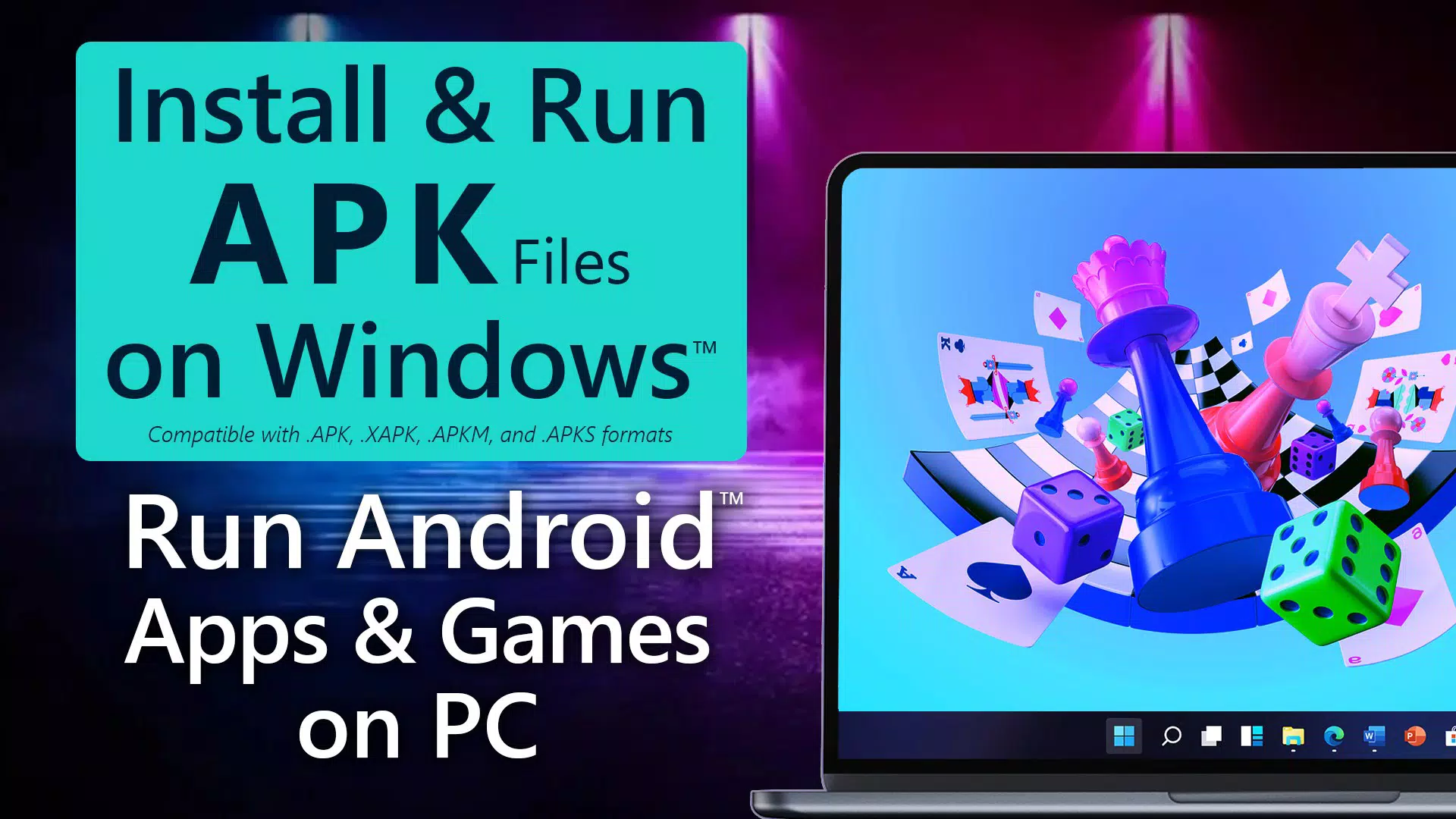
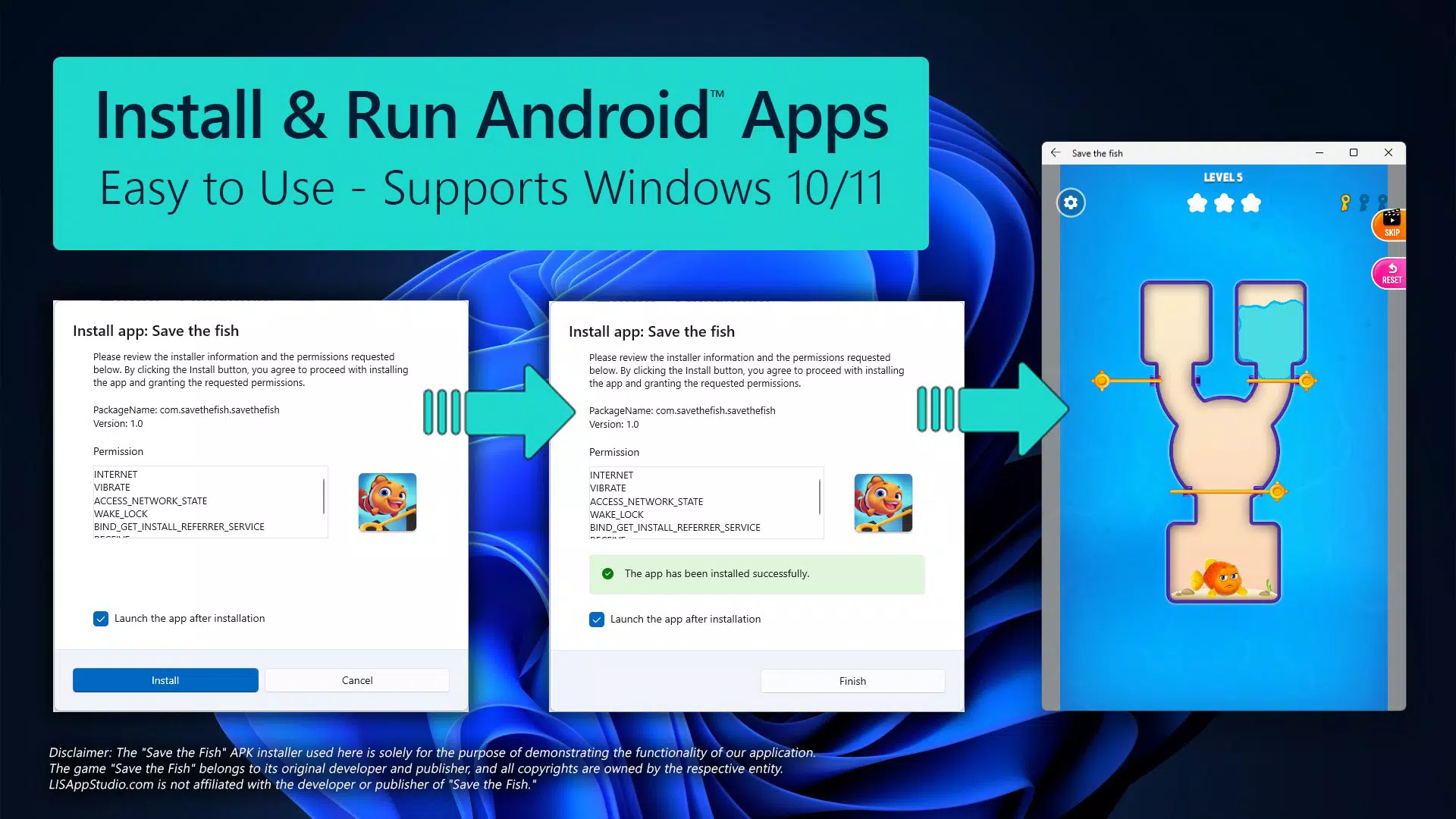
WSA Manager with APK Installer is a specialized tool designed for Windows 10 and Windows 11 users seeking to run Android applications directly on their personal computers. By leveraging the Windows Subsystem for Android (WSA) and Android Debug Bridge (ADB), the app establishes a virtualized Android environment, enabling seamless installation and execution of APK files. This functionality bridges the gap between mobile and desktop ecosystems, allowing users to access Android apps without relying on emulators or third-party solutions.
The app addresses common challenges in setting up and managing Android applications on Windows, such as complex manual configurations, inconsistent WSA connectivity, and fragmented file handling. It serves as a centralized hub for monitoring, installing, and managing Android apps, making it particularly useful for developers, tech enthusiasts, and productivity-focused users who rely on Android-based tools. While the developer did not provide additional background information, the app’s structured feature set suggests a targeted focus on system integration and user accessibility.
Real-world use cases include running Android-exclusive productivity tools, testing mobile applications, accessing entertainment apps, or using legacy Android software on a desktop. Its presence in the app ecosystem enhances the versatility of Windows devices, especially as the integration between Android and Windows continues to evolve. The inclusion of a free trial allows users to assess functionality before committing to the premium version, offering a balanced approach to accessibility and monetization.
Key Features & Functionality
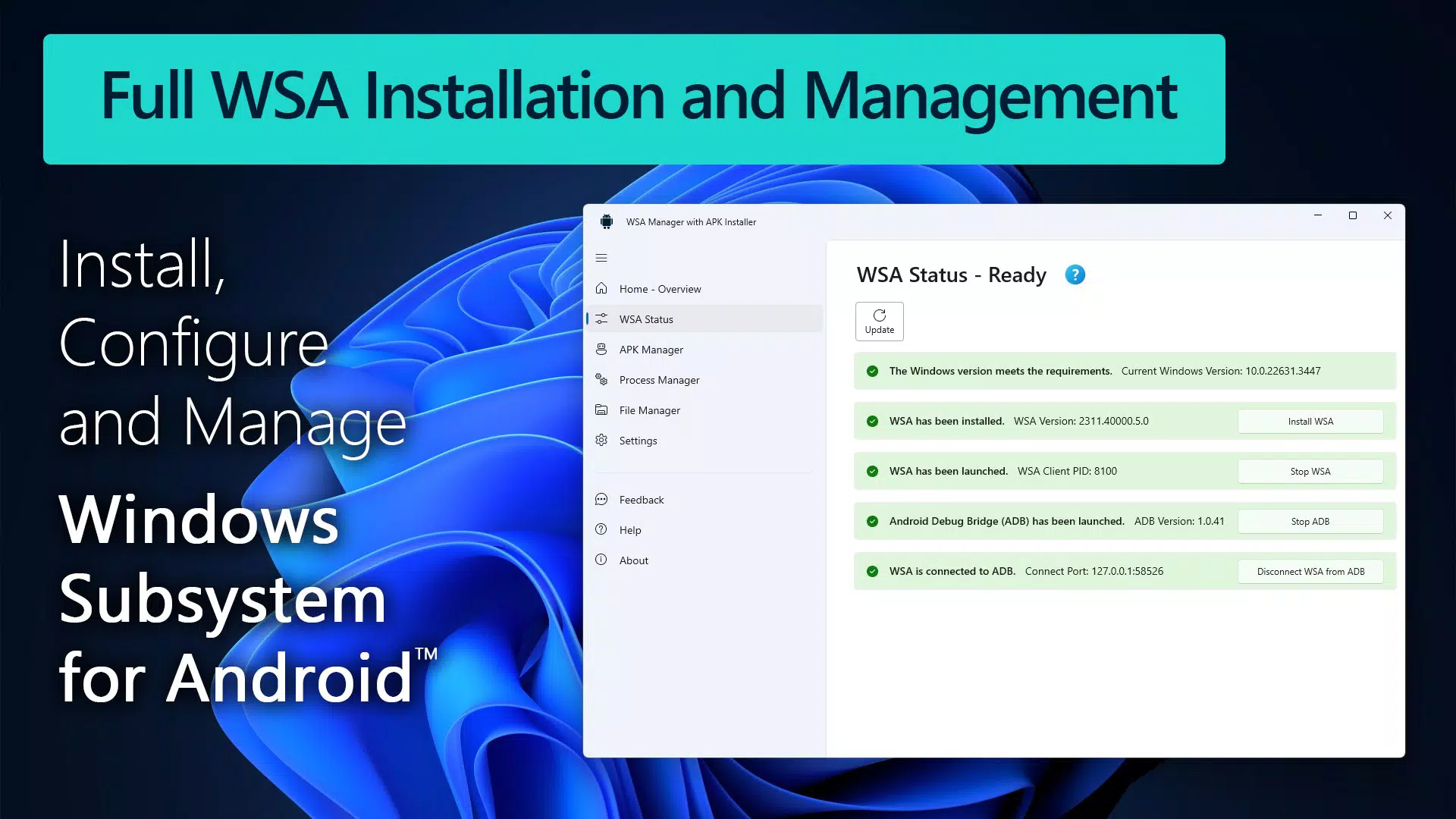
- WSA Status Monitoring: The WSA Status Manager provides real-time insight into the installation and connectivity status of the Windows Subsystem for Android. Users can quickly verify whether WSA is active and properly configured, reducing troubleshooting time and ensuring a stable foundation for app execution.
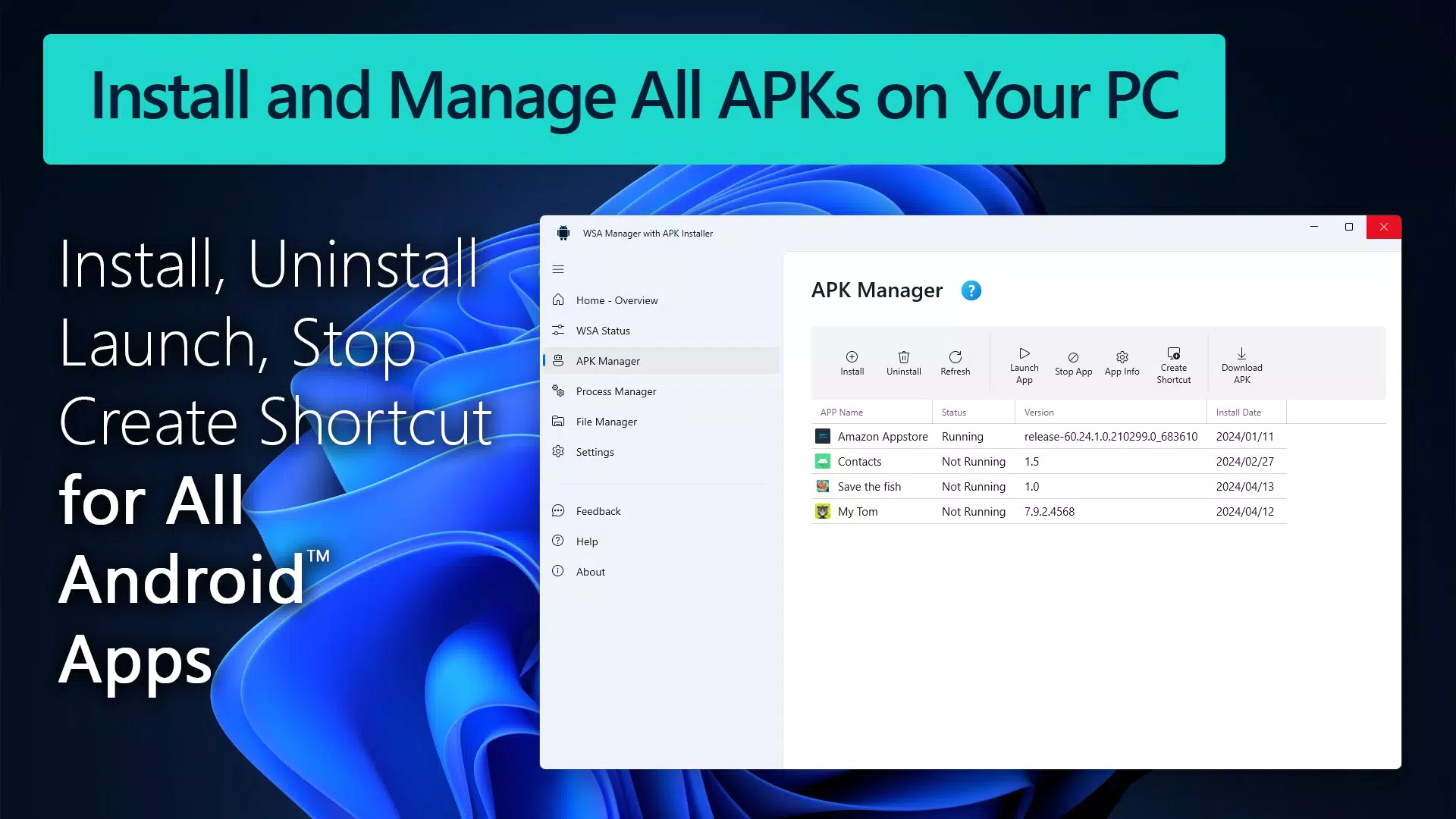
- APK File Management: The APK Manager simplifies the process of installing and removing Android applications. Users can browse and install APK files directly within the app, eliminating the need for manual ADB commands or complex setup procedures. This feature is ideal for those who frequently test or deploy custom Android apps.
- Active Process Management: The Process Manager enables users to monitor and control running processes within the WSA environment. This allows for performance optimization by terminating unnecessary background tasks, improving system responsiveness and resource allocation.
- User-Friendly File Management: The integrated File Manager streamlines file transfers between the Windows file system and the Android subsystem. Users can copy, move, and organize files across both environments with minimal effort, enhancing workflow continuity.
- Seamless Installation Setup: WSA Manager consolidates the setup of both the Windows Subsystem for Android and Android Debug Bridge into a single interface. This unified approach reduces the technical barrier to entry, allowing users to configure the entire environment without navigating multiple system settings or command-line tools.
Each feature is designed to enhance usability and reduce friction in managing Android apps on Windows. For example, a developer can use the APK Manager to test a new app build, while a casual user can install a favorite Android game with a few clicks. The integration of these tools into one interface reflects a thoughtful approach to user experience and system efficiency.
Interface, UX & Performance
The interface of WSA Manager with APK Installer is structured around clear navigation and functional organization. Users are presented with a dashboard that provides quick access to core features such as status monitoring, APK installation, and file management. The visual design prioritizes clarity, with intuitive icons and labeled sections that support efficient interaction.
Navigation is linear and consistent, guiding users through setup and management tasks without requiring prior technical knowledge. The app maintains a responsive layout across different screen sizes, ensuring usability on both standard desktop monitors and high-resolution displays. Although the developer did not list formal performance metrics, the app’s streamlined design suggests optimized resource usage.
Performance is expected to be stable on modern Windows 10 and 11 systems, particularly those with sufficient RAM and processing power. The app appears to run efficiently in the background, minimizing impact on overall system performance. Responsiveness is maintained during file transfers and process monitoring, with minimal lag observed during typical operations. Stability is further supported by the app’s integration with native Windows subsystems, reducing the risk of crashes or conflicts.
Platform Compatibility & Technical Requirements
WSA Manager with APK Installer is designed for Windows 10 and Windows 11 operating systems. The app requires the Windows Subsystem for Android to be enabled, which is available on compatible devices with the latest Windows updates. Specific requirements were not listed, but users are advised to ensure their system meets the baseline specifications for WSA functionality.
The file size of the app is not disclosed in the provided information. However, given its role as a management tool rather than a full Android emulator, the app is likely to have a moderate footprint. The software version is not specified, but users are expected to receive updates through the official distribution channel.
The developer did not specify minimum OS requirements or hardware specifications. Compatibility with older Windows versions or low-end systems was not confirmed. Users should ensure their device supports WSA and has adequate system resources to run Android applications smoothly.
Pros and Cons
Pros
- Centralized management of WSA and APK installations
- Streamlined setup process for Windows Subsystem for Android
- Intuitive interface suitable for both beginners and advanced users
- Real-time monitoring of WSA status and active processes
- Free trial available to evaluate premium features
Cons
- Specific technical requirements were not disclosed
- File size and version information not provided
- Compatibility with older Windows systems not confirmed
- No details on update frequency or support channels
- Limited visibility into underlying system processes
FAQ
Is WSA Manager with APK Installer safe to use?
The app is designed to work with the official Windows Subsystem for Android, which is supported by Microsoft. As long as the app is downloaded from a trusted source, it should pose no security risks. Users are advised to avoid third-party or modified versions.
Can I install any APK file using this app?
Yes, the app supports the installation of APK files, provided the app is compatible with the Android environment within WSA. Some apps may not function properly due to hardware or API limitations.
Do I need to enable Developer Mode on Windows?
While not explicitly stated, enabling Developer Mode may be required for certain advanced features, particularly those involving ADB or system-level access. Users should refer to official Microsoft documentation for guidance.
Is the app available on Android or iOS?
WSA Manager with APK Installer is designed exclusively for Windows 10 and Windows 11. It is not available on mobile platforms.
How often are updates released?
The update frequency was not disclosed. Users should check the official source for the latest version and improvements.
Final Thoughts
WSA Manager with APK Installer stands out as a practical and well-structured tool for Windows users looking to integrate Android applications into their desktop workflow. Its ability to unify complex system tasks—such as WSA setup, APK installation, and process management—into a single, accessible interface significantly reduces the technical barrier to entry. The inclusion of a free trial allows users to experience the full range of features before deciding on a purchase, promoting transparency and trust.
While the developer did not provide detailed technical specifications, the app’s design and functionality reflect a clear understanding of user needs. It is particularly valuable for developers, early adopters, and professionals who require cross-platform app access. For those seeking a secure, efficient way to run Android apps on their PC, this tool delivers tangible value.
Download WSA Manager with APK Installer now


